
Published release of an open cross-platform password manager KeePassXC 2.8.0, providing tools for securely storing regular passwords, one-time passwords (TOTP), SSH keys and other information that the user considers confidential. Data can be stored both in local encrypted storage and in external cloud storages. The project code is written in C++ using the Qt library and distributed under the GPLv2 and GPLv3 licenses. Ready builds prepared for Linux (AppImage, Flatpak, Ubuntu PPA, Snap), Windows and macOS.
Key features:
- Work with a database in KDBX format. Storing information in encrypted form. The ability to attach files and your own attributes to records of saved passwords.
- Systematization of information by distribution into groups. Built-in search system. Automatic password replacement for applications. Ability to control from the command line (keepassxc-cli).
- Secure password generator. Storage and generation of one-time passwords (TOTP). Analysis of the quality of saved passwords and generation of reports with statistics.
- Integration with web browsers Chrome, Mozilla Firefox, Edge, Chromium, Vivaldi, Brave and Tor Browser. Support for authentication using Passkeys technology, implemented through browser integration.
- Support for importing a password database from CSV, 1Password, Bitwarden, Proton Pass and KeePass1 formats. Export to CSV, XML and HTML formats.
- Supports YubiKey and OnlyKey. Integration with SSH Agent. Sharing access to the KeeShare database.
Support for FreeDesktop.org Secret Service, for example, for use instead of GNOME keyring. Support for Twofish and ChaCha20 encryption algorithms.
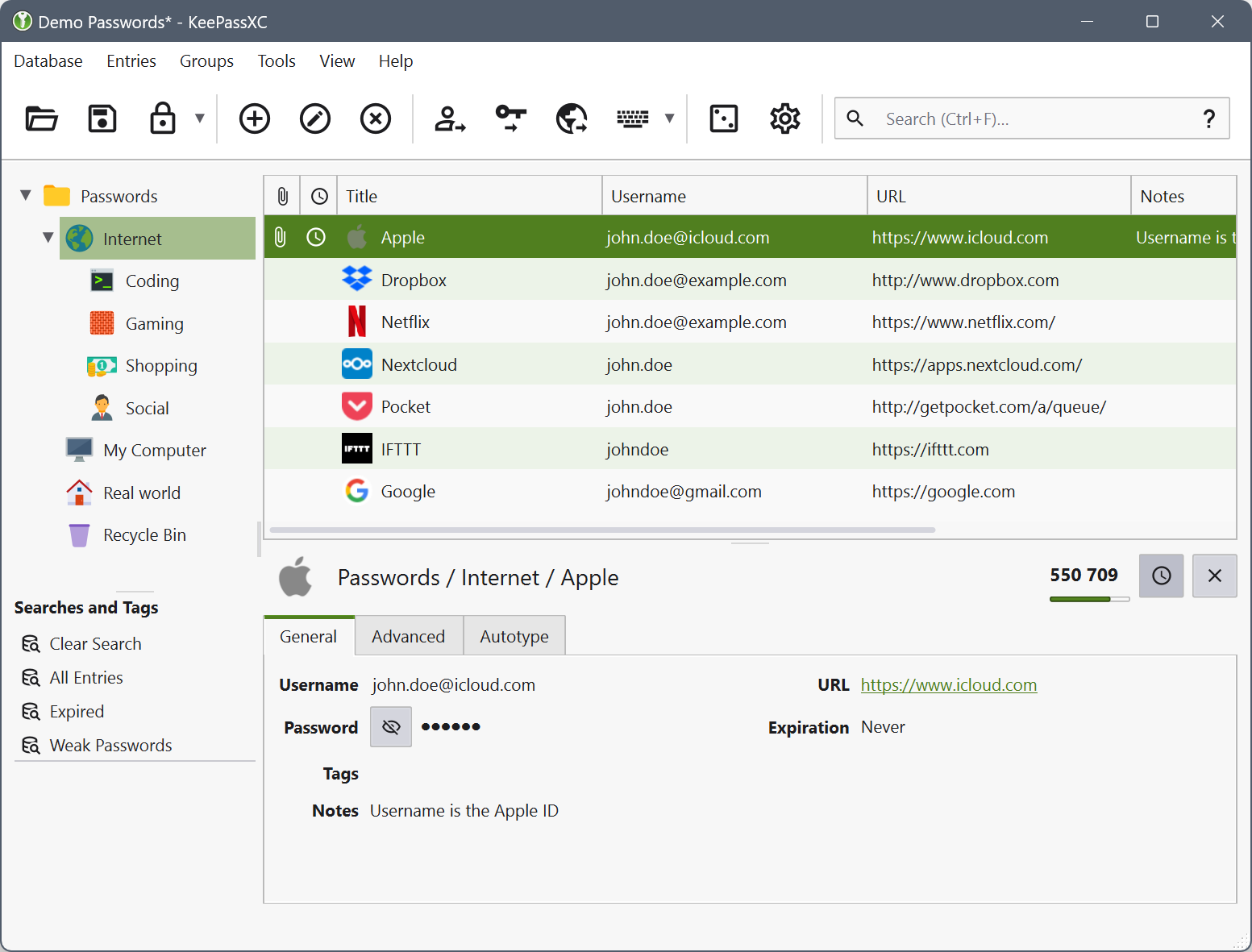
Key changes in the new release:
- Translation of the graphical interface from Qt5 to Qt6.
- Ability to use the automatic password substitution function in applications in Wayland-based environments using portals XDG.
- Support for customizing key combinations.
- Ability to synchronize the database with external systems and support for using external utilities for import.
- Quick unlocking mode via Polkit in Linux.
- Creating ARM64 assemblies for Windows and experimental ARM64 assemblies in AppImage format for Linux.
- Switching to storing application state files in a directory ~/.local/state/ (XDG_STATE_HOME) instead of ~/.cache (XDG_CACHE_HOME).
- Support for generating RSA, ECDSA and Ed25519 keys for SSH Agent.
- Improved integration with desktop assemblies in AppImage format.
/Reports, release notes, official announcements.