
The developers of the Kagi search engine announced the decision to open the source code of the browser editions Orion for platforms Linuxand Windows. Details of the future development model and Orion license for these platforms are expected to be published within 30 days. The possibility of transferring the code to the care of one of the non-profit organizations is being considered.
The reason for revising the policy regarding the publication of code was the curtailment of Orion development for Linux and Windows in favor of developing only versions for macOS and iOS, since the small company Kagi was unable to develop a complex cross-platform product and no longer wants to scatter resources, but to focus on only one version of the browser. The statement indicated that the Orion developers spent a lot of time and effort creating versions for Linux and Windows, and believe that the project deserves to continue development, but without the participation of Kagi, but by the interested community.
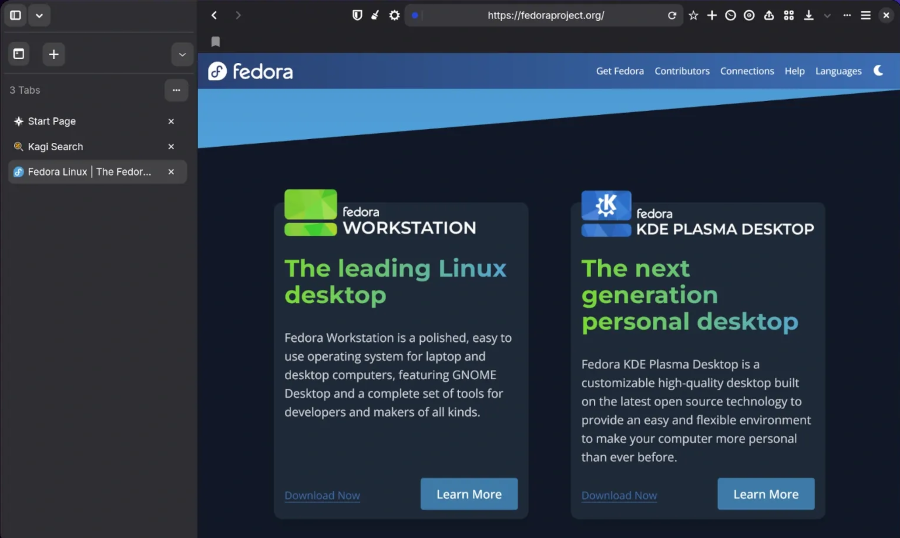
The Orion browser is built on the WebKit engine and notable for blocking advertising and tracking code by default, absence of collecting and sending telemetry, integration with search services Kagi, additional options for customizing the interface and pages viewed, support for installing add-ons from Safari, Chrome and Firefox. The browser also demonstrates more efficient memory release – after closing tabs, Orion takes 3 times less memory compared to Safari, 2.5 times compared to Chrome and 2 times compared to Firefox.
In Orion you can add your own buttons to the panel to call JavaScript code or perform functions available in the browser. Supports changing fonts, disabling sticky (non-scrolling) headers, forcing dark skins on sites, and selectively disabling JavaScript, Cookies, and external fonts. There is a mode for quickly removing HTML elements from pages by selecting them with the cursor, as well as a page editing function that allows you to change the content before creating a screenshot or saving to disk.
Other features include: vertical tabs, quick search mode, integration with archive.org to view older versions of pages, compact tab display mode, auto-hide panels, change User Agent, preview links, tab grouping, energy saving mode, blocking autoplay of audio and video, disabling the blocking of copying to the clipboard used on some sites.