Published The tenth release of the Orbitiny Desktop desktop environment, written from scratch using the Qt framework. The project tries to combine some innovative ideas that have not been seen before in user environments with traditional elements such as a panel with support for plugins, an application menu and a desktop on which you can place shortcuts. Work is currently focused on running in X server-based environments, but adding Wayland support is not ruled out in the future. The code is written in C++ and distributed under the GPL license.
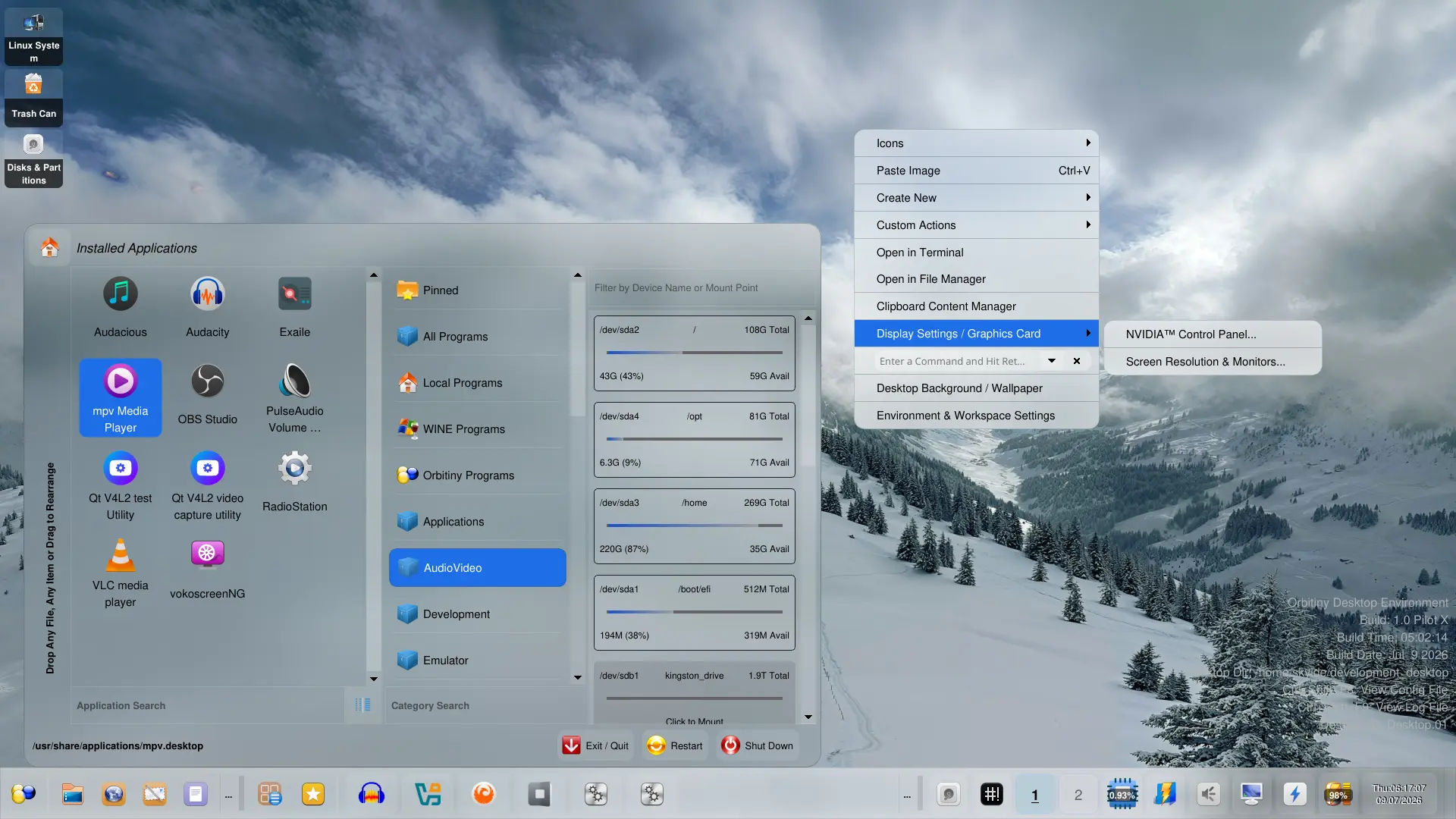
Of Orbitiny-specific features, the following are noted: calling actions through screen gestures (outlining a certain outline with the mouse on an empty area of the desktop); labels on icons (shown for new, changed, empty or moved via the clipboard files, as well as empty directories); the ability to insert a file simultaneously into several selected directories; support for placing desktop content in any directory (not just $HOME/Desktop); using separate desktop directories for each virtual desktop and monitor. A list of typical Orbitiny capabilities can be found in the previous announcement.
Among the changes:
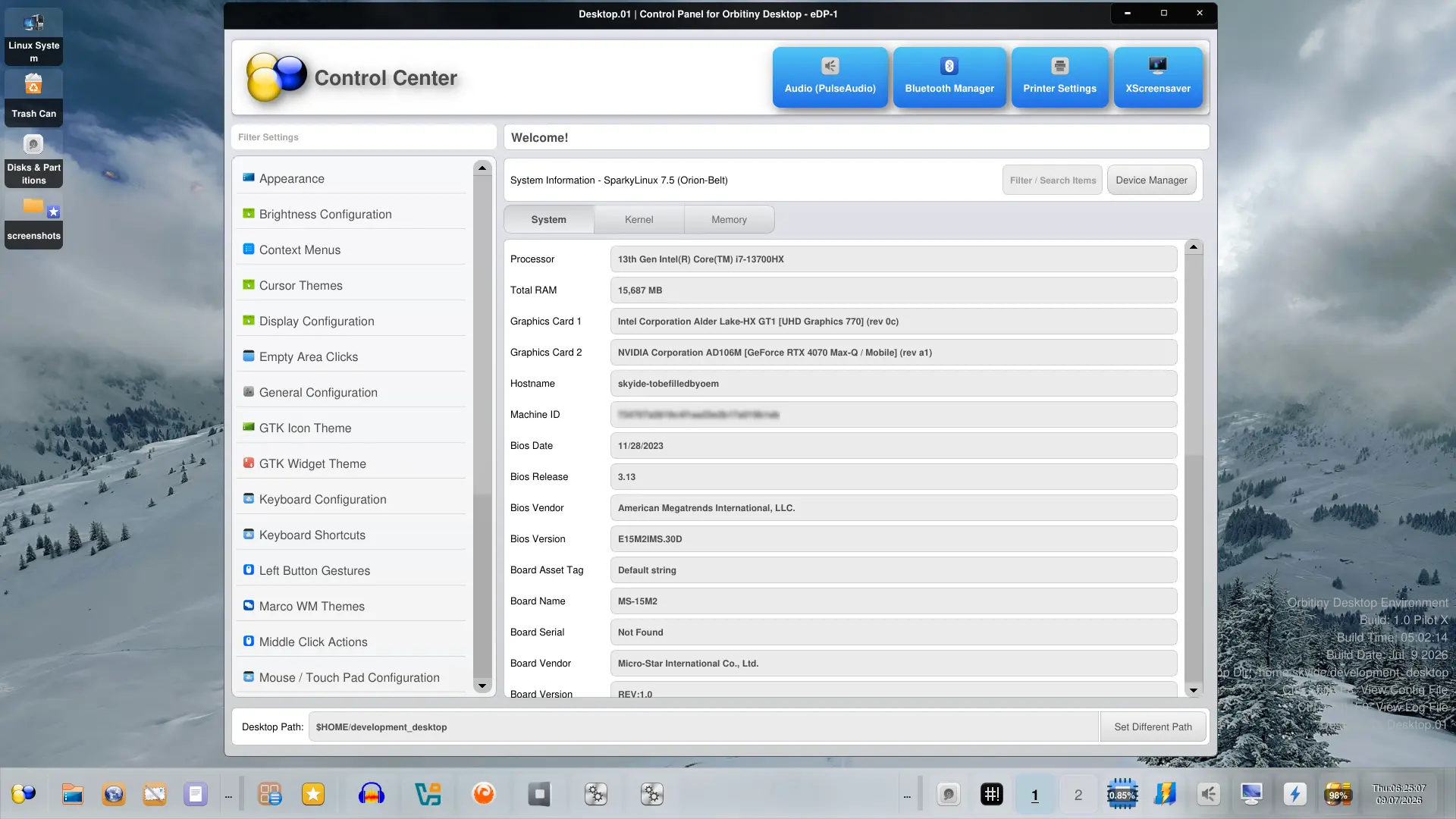
- A new control panel has been added, providing options for changing settings, viewing system information and accessing external configurators. Navigation through the built-in settings pages is carried out through the sidebar, and access to external configurators through customizable buttons at the top of the screen.

- Support has been implemented for docking the taskbar in any part of the screen and resizing it with the mouse, as well as scrolling the panel contents by rotating the wheel on the mouse.
- A button has been added to the panel to call up a dialog with a list of running windows applications and the ability to filter windows by name.
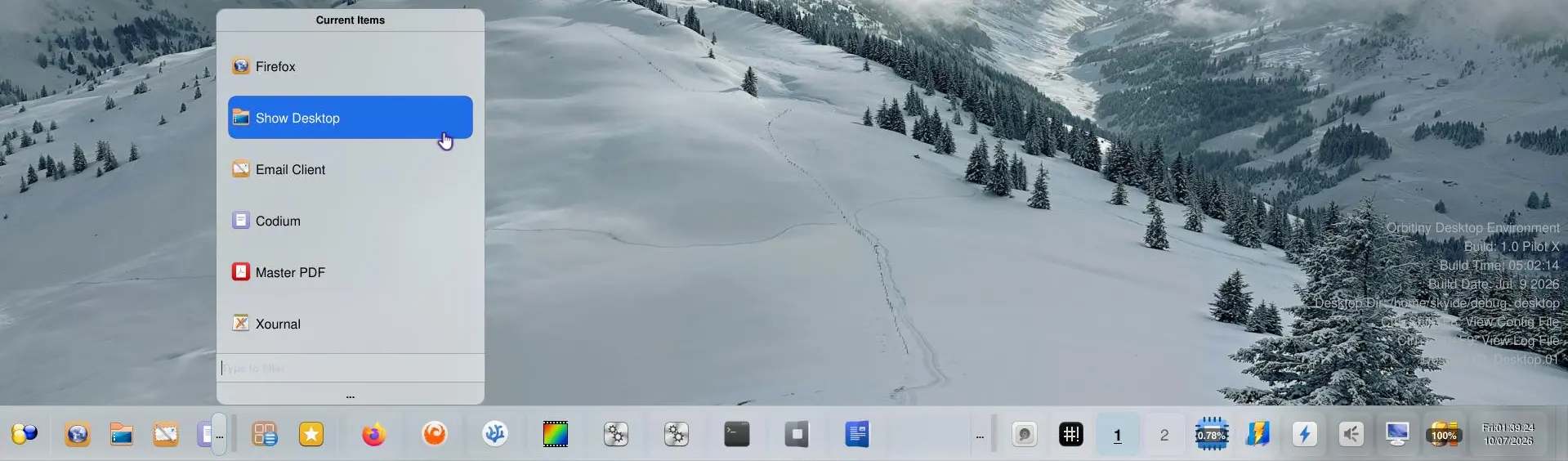
- A new applet with a quick launch menu has been proposed, called up by clicking on the “…” button after the list of pinned application shortcuts.
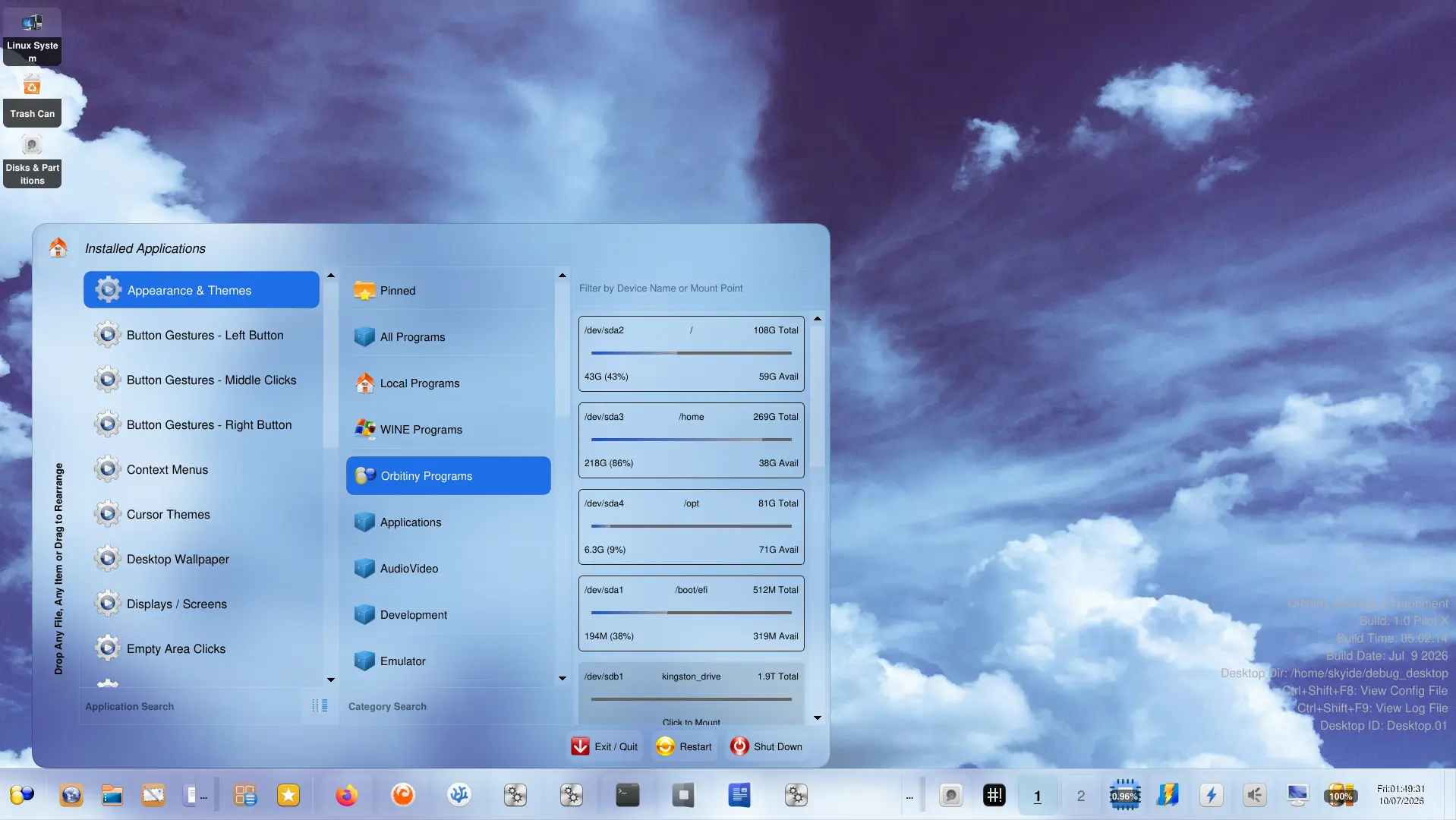
- New sections have been added to the application menu: “Orbitiny Programs” for access to the configurator applets built into the menu, and “Local Programs” with a list of programs for which the catalog ~/.local/share/applications desktop files are posted.