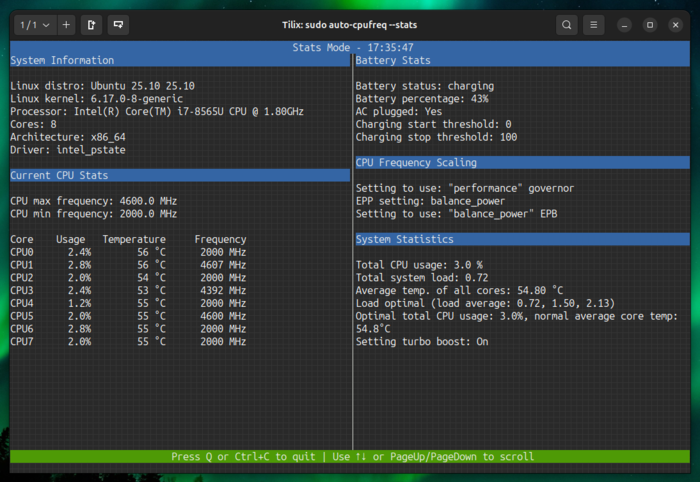
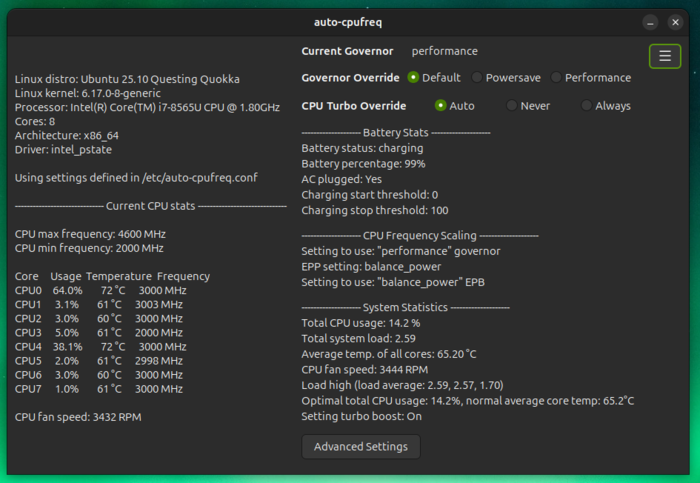
Published release of the utility auto-cpufreq 3.1.0, designed to automatically optimize CPU speed and energy consumption in the system. The utility monitors the state of the laptop battery, CPU load, CPU temperature and system activity, and, depending on the situation and selected options, dynamically activates energy saving or high performance modes. Supports work on devices with Intel, AMD and ARM processors. A GTK-based graphical interface or a console utility can be used for control. The code is written in Python and distributed under the LGPLv3 license.
Supported features include: monitoring the frequency, load and temperature of the CPU, adjusting the frequency and power consumption modes of the CPU depending on battery charge, temperature and system load, automatic optimization of CPU performance and power consumption.
Auto-cpufreq can be used to automatically extend the battery life of laptops without permanently cutting down any capabilities. Unlike the TLP utility, auto-cpufreq not only allows you to set power saving modes when the device is offline, but also temporarily enable high performance mode (turbo boost) when an increase in system load is detected.
In the new version:
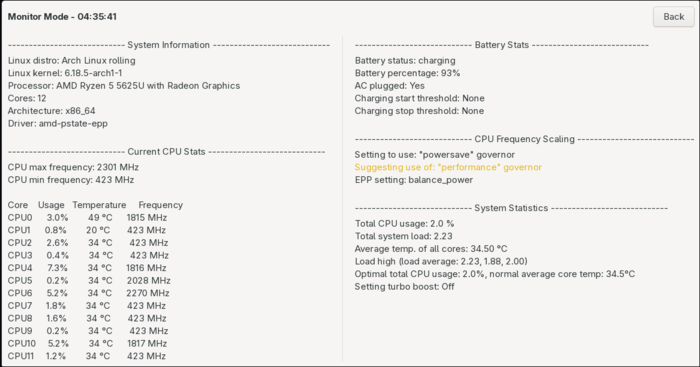
- In the graphical interface monitoring mode has been added.

- In the graphical interface implemented settings for changing Bluetooth operating modes.
- Added the ability to define the path to a file to control the conservation_mode on various models Lenovo laptops.
- Added option enforce_platform_profile to select the profile override mode with settings for the platform (if “true” then the old behavior with the profile applied every 2 seconds remains, and if “flase” then the profile is applied only when the power mode changes – from the network or from battery).